

Billing
Update payment card
How to update your payment card used for your My AskAI subscription.
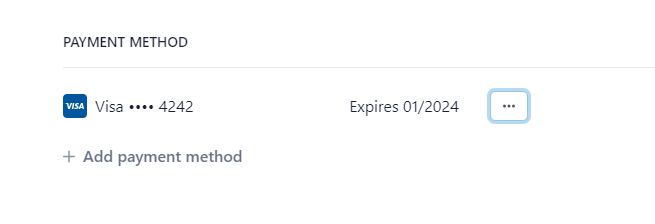
To update your payment card, go to Account settings > Billing then click on “Manage subscription on Stripe”.
Stripe (our payments processor) will then open and you will be able to Update your payment card/method from there by clicking the three dots or adding a new payment card.